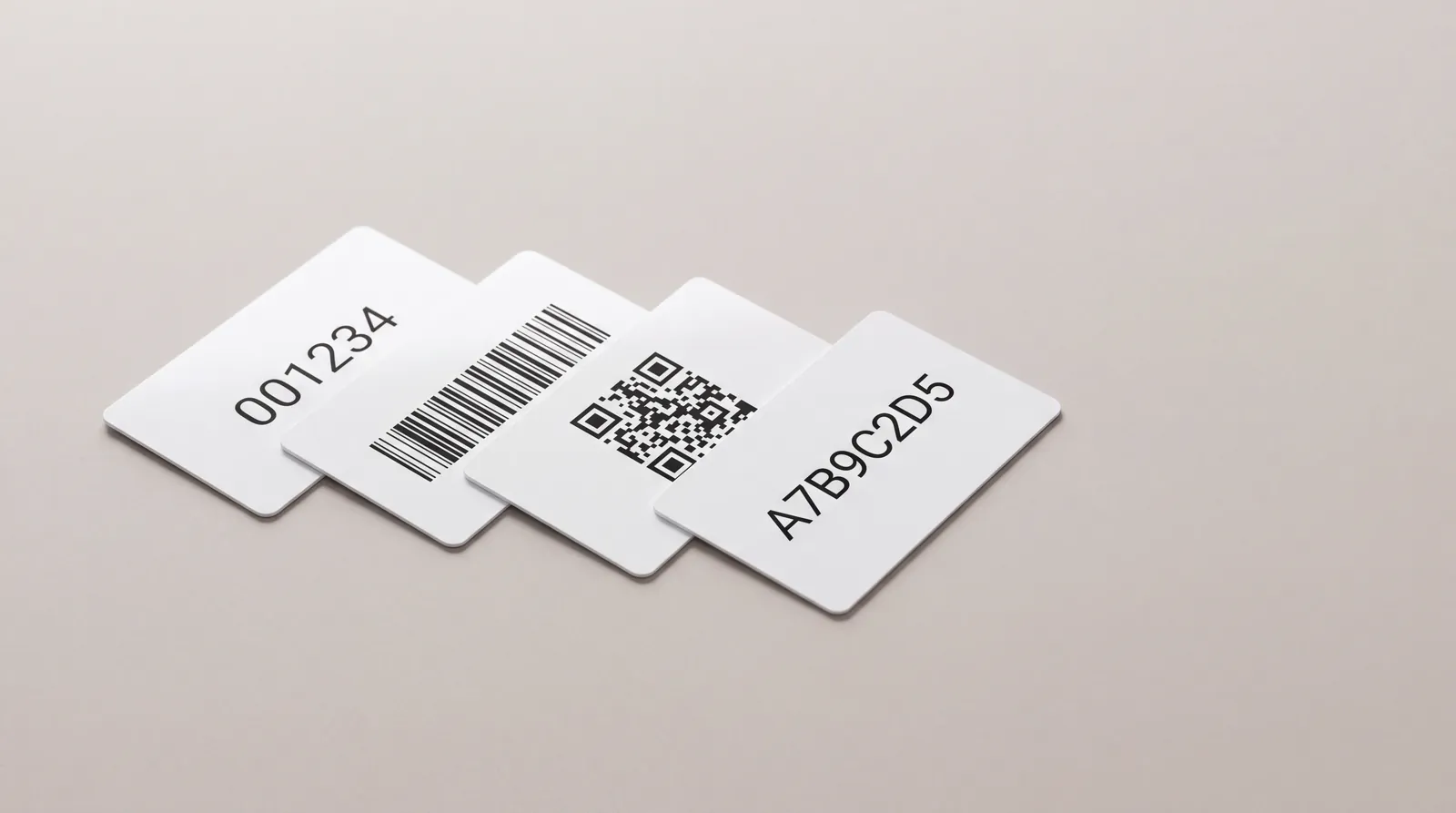
Most of a card run is identical. The part that is not identical is where the cost, the lead time and the reprints live.
Variable data is anything that changes from one card to the next: a number, a name, a barcode, a QR code, the data written into the chip. Each of those is a separate production step with specific rules, and a specification that says only with numbering leaves four decisions unmade.
Those four decisions are cheap to make in an email and expensive to make after a run. A reprint on variable data is never partial: if the numbering format is wrong or the symbol does not scan, every card in the batch has the same defect, because that is what variable data being automated means. It is the one part of a card order where a five minute conversation genuinely prevents a five figure mistake.
This guide sets out what to specify and why, for whoever is assembling the brief: an integrator, a facilities team or a programme owner.
01. The four kinds, and why they are not one job
Four things on a card can vary, and four different machines lay them down at four different moments: the printed number, the printed symbol, the printed name and the data written into the chip. Treating them as one line in a brief is what leaves decisions unmade.
The four kinds of variable data on one cardA card can carry a printed sequential number, a barcode, a QR code and a UID encoded in the chip, and each of the four is written by a different production step.FOUR THINGS THAT CHANGE ON EVERY CARD, WRITTEN BY FOUR DIFFERENT STEPSNo. 000 1480102030401Printed sequenceYour numbering, laid down at thepersonalisation step after printing.02BarcodeNeeds a quiet zone either side. Specifythe symbology, not just 'a barcode'.03QR codeScanned by a phone, so contrast andmodule size matter more than size.04Encoded UIDInside the chip, invisible. Say whetherthe printed number has to match it.
Swipe the diagram sideways to see all of it
Three of the four are on the surface and can be checked by eye. The fourth is inside the chip and can only be checked with a reader, which is why it is the one that gets assumed.
02. Numbering, and the three things to state
A numbering request usually arrives as a range. A range by itself is not a specification.
The format, including the padding
Say how many digits and whether they are zero padded. A run from 1 to 20,000 printed as 00001 looks deliberate. The same run printed as 1, 2, 3 and then 19999 looks like a mistake, and it breaks any system that sorts the number as text.
Where the range starts
Rarely at 1. Most programmes start a second order where the first one stopped, which means the factory needs the last number used, not just the quantity. This is one of the things worth keeping in a specification record rather than in an email thread.
Whether there is a check digit
A check digit catches a mistyped number at the desk. If your system expects one, say which algorithm, because a number with a check digit calculated a different way is worse than no check digit at all.
And one more: where it sits and how it reads
Position, typeface, size and colour all belong in the same sentence. A number set in a light weight at six point on a dark background is technically correct and unusable at a desk, and a number placed where a thumb naturally rests wears off first. If the number will be read aloud over a phone, grouping the digits makes a measurable difference to how often it is read back correctly.
The sentence that prevents a reprint
Six digits, zero padded, starting at 020001, no check digit, printed bottom left on the front in black. That is a specification. From 20,001 upwards is a hope.
03. Barcodes and QR codes
Two things decide whether a symbol scans: the symbology and the quiet zone. Neither is visible in a design review.
Four symbologies, and what each one costs you in card spaceCode 128 is compact for numbers, Code 39 is wider for the same data, QR holds a URL in a small square, and Data Matrix holds a short code in the smallest footprint of the four.A CARD IS 85.6 MM WIDE. THE SYMBOL HAS TO FIT, AND SO DOES ITS QUIET ZONESYMBOLTYPICAL CAPACITYWHERE IT EARNS ITS SPACECode 12820 to 24 charactersThe default for a printed serialCode 3910 to 14 charactersLegacy readers that need itQRA full URLAnything a guest phone will scanData MatrixA short codeThe smallest footprint of the four
Swipe the diagram sideways to see all of it
Capacity and footprint pull against each other. The practical constraint on a card is not the symbol, it is the clear space the symbol needs around it.
The quiet zone is part of the symbol
A linear barcode needs clear space either side, and a two dimensional code needs a clear border all round. Artwork that runs a coloured block right up to the symbol makes it unreadable, and this is by far the most common cause of a card that scans on the proof and fails at the desk. Keeping that clear space is a job for the artwork file itself, and the artwork package a card printer needs covers the variable-data zone and the layers it is specified on.
Contrast, not colour
A scanner reads contrast. Dark on light works. A mid blue symbol on a mid grey background does not, however good it looks. On a wooden card the grain reduces contrast further, so a symbol usually needs a printed light patch under it.
Size follows the module, not the outline
For a QR code what matters is the size of the smallest square, not the size of the whole symbol. A phone will read a small code with generous modules and fail on a larger one crammed with a long URL.
A note on QR codes that point at something
A QR code printed on a card is permanent for the life of the card, and the thing it points at is not. A URL that moves, a campaign that ends or a domain that is not renewed turns every card in circulation into a dead link. Where the destination might change, point the code at a short stable address you control and redirect from there, so the card outlives the campaign rather than the other way round.
04. Making the print agree with the chip
The relationship between the printed number and the chip is a production decision, not an artwork decision. It is the one most often left unmade, and it changes the route a card takes through the line rather than how the card looks.
Three ways the printed number and the chip can relateThe printed number can be independent of the chip, it can be the UID itself, or it can be your sequence mapped to each UID in a delivered list.DECIDE THIS BEFORE ARTWORK. IT CHANGES THE PRODUCTION ROUTE01IndependentThe printed serial is yours. TheUID belongs to the chip. Nothingconnects them.COSTCheapest. Two separate steps.02Print is the UIDThe number on the card is thechip UID itself, in hex or indecimal.COSTRead then print. Slower line.03Mapped in a listYour sequence, matched toeach UID in a file delivered withthe cards.COSTThe usual answer for accessOption 03 is what most access control and membership programmes need, because it lets the printed number stay human readable.
Swipe the diagram sideways to see all of it
Option 02 sounds tidiest and is usually the worst of the three. A UID in hexadecimal is not a number a person can read back over the phone.
Option 03 is what most programmes actually want: a clean human readable number on the card, a UID in the chip, and a file that maps one to the other. That file is the same UID list that comes with an encoded order, with one extra column.
One detail decides whether that file is useful or not: the order of the rows. A mapping file that follows the physical order the cards were produced in, and cartons packed in that same order, means a desk can issue cards sequentially and the records match without anybody scanning anything. A file in a different order from the cards is technically complete and operationally useless. Say which you need, and it costs nothing.
05. Names and one off cards
Personalising with a name happens on finished stock, which makes it closer to card printing than to card manufacturing. A programme that issues named cards usually buys blank printed stock in volume and personalises locally as people join. Say at the quote which of the two you are doing, because it changes what leaves the line.
There is a data protection dimension worth naming. Sending a list of real names or membership records to a factory means sending personal data across a border, with whatever that implies for your obligations. A programme that personalises locally avoids the question entirely, which is a reason to prefer it beyond the operational ones. Where names do have to be sent, send the minimum: the fields that get printed, and nothing else.
06. What to put in the brief
Everything in this article fits in one paragraph of a purchase order.
- The numbering: digits, padding, start number, check digit or none.
- The symbology: Code 128, Code 39, QR or Data Matrix, and what it encodes.
- The position of each element, and the clear space around it.
- The relationship between print and chip: independent, identical, or mapped.
- The file: format, schema and the order the rows are in.
Then ask for one thing back before the run: a proof of the first, a middle and the last card, with the real data on them rather than placeholders. Placeholder proofs hide exactly the errors variable data produces, which are the ones that appear at the ends of a range rather than in the middle. Card sample types covers what that kind of proof proves and what it does not.
07. Technical references
08. Where Kaway fits
Variable data, chip encoding, barcodes, QR and magnetic stripe encoding are all run on the same floor as the printing and the lamination, on PVC and recycled PVC, on wood and on key fobs.
Minimum order is 500 units. Standard production is 13 calendar days, 8 calendar days on express and 12 calendar days for wooden cards. Quote requests are answered the same working day. What else a factory needs in order to quote is in the guide to specifying a card order, and comparing card quotations on the same specification covers where a variable-data charge belongs in a quote.
09. Frequently asked questions
Can the printed number match the chip UID?
Yes, either by printing the UID itself or by mapping your sequence to each UID in a list. The second is almost always the better answer, because a UID is not something a person can read back accurately.
Does variable data change the lead time?
Not on a normal run. It is a separate step on the line rather than a separate job. What does change the lead time is a data file that arrives late or in a format that has to be reworked.
Can you print a different name on every card?
Yes, from a supplied list. For a programme where people join continuously, it is usually better to hold blank printed stock and personalise locally.
Will a barcode scan on a wooden card?
Yes, with a printed light patch underneath it. Straight onto bare grain, the contrast is not reliable enough to promise.
What file format do you want the data in?
A CSV with a header row, one row per card, in the order the cards should be produced. Say what each column is and how it is encoded, and the job runs without a single clarifying email.
Can the number be laser engraved rather than printed?
On PVC, on wood and on moulded fobs, yes. Engraving is the durable option and it is single colour by nature, which makes it the right choice where the number has to stay readable for the life of the credential.
Can a QR code and a chip carry the same data?
They can, and it is a useful pattern where some readers are phones and some are RFID. It has to be asked for explicitly, because it means the encoding step and the printing step read from the same record rather than running independently.
What happens if a card in the sequence is damaged in production?
Ask this before the order, because two answers exist and they have different consequences. Either the number is reprinted so the delivered range is complete with no gaps, or the card is discarded and the range has a gap. A system that expects a contiguous range needs the first; a system that reconciles against a delivered list is fine with the second.
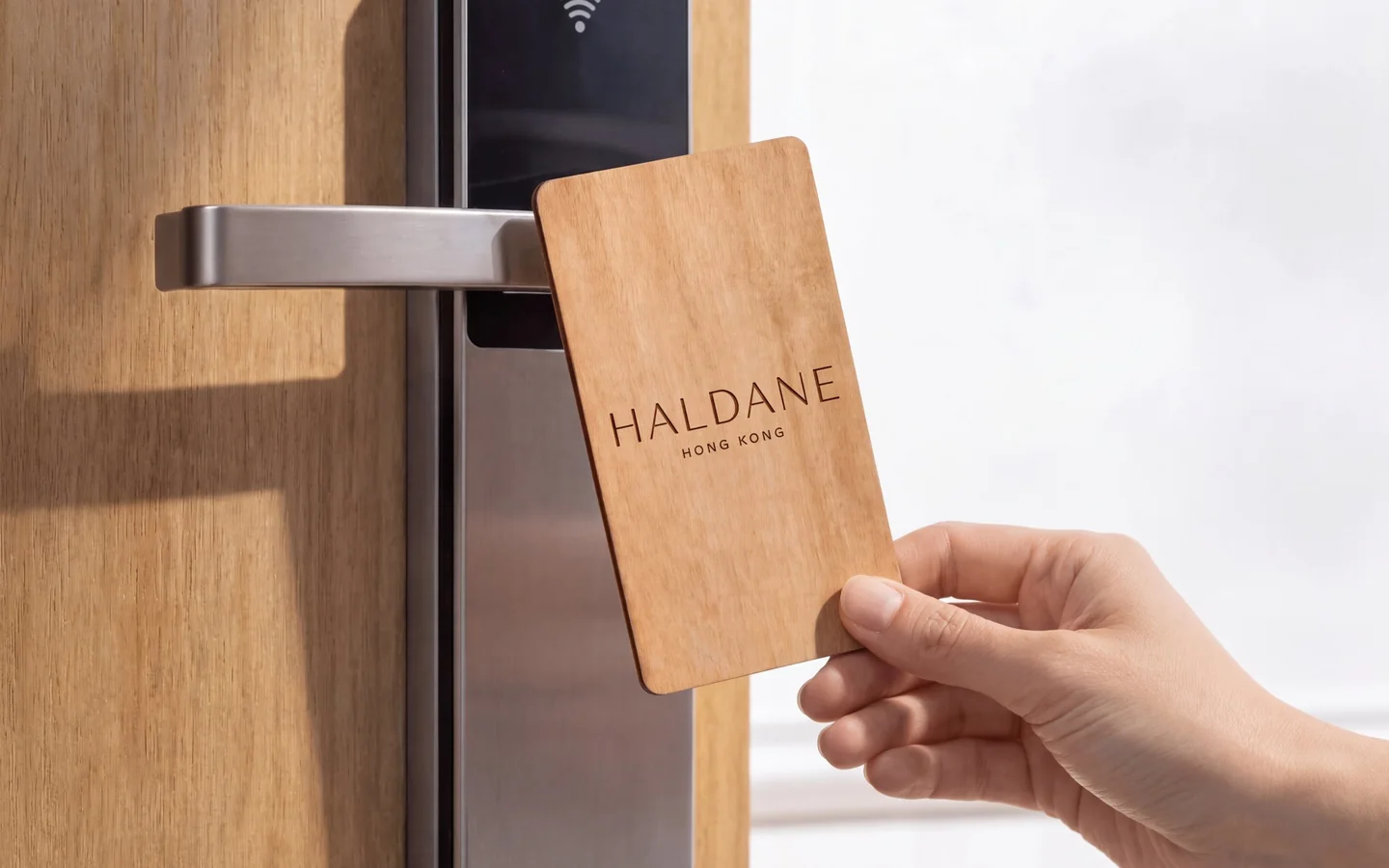 HospitalityRoom keys, staff credentials and the pieces around them.
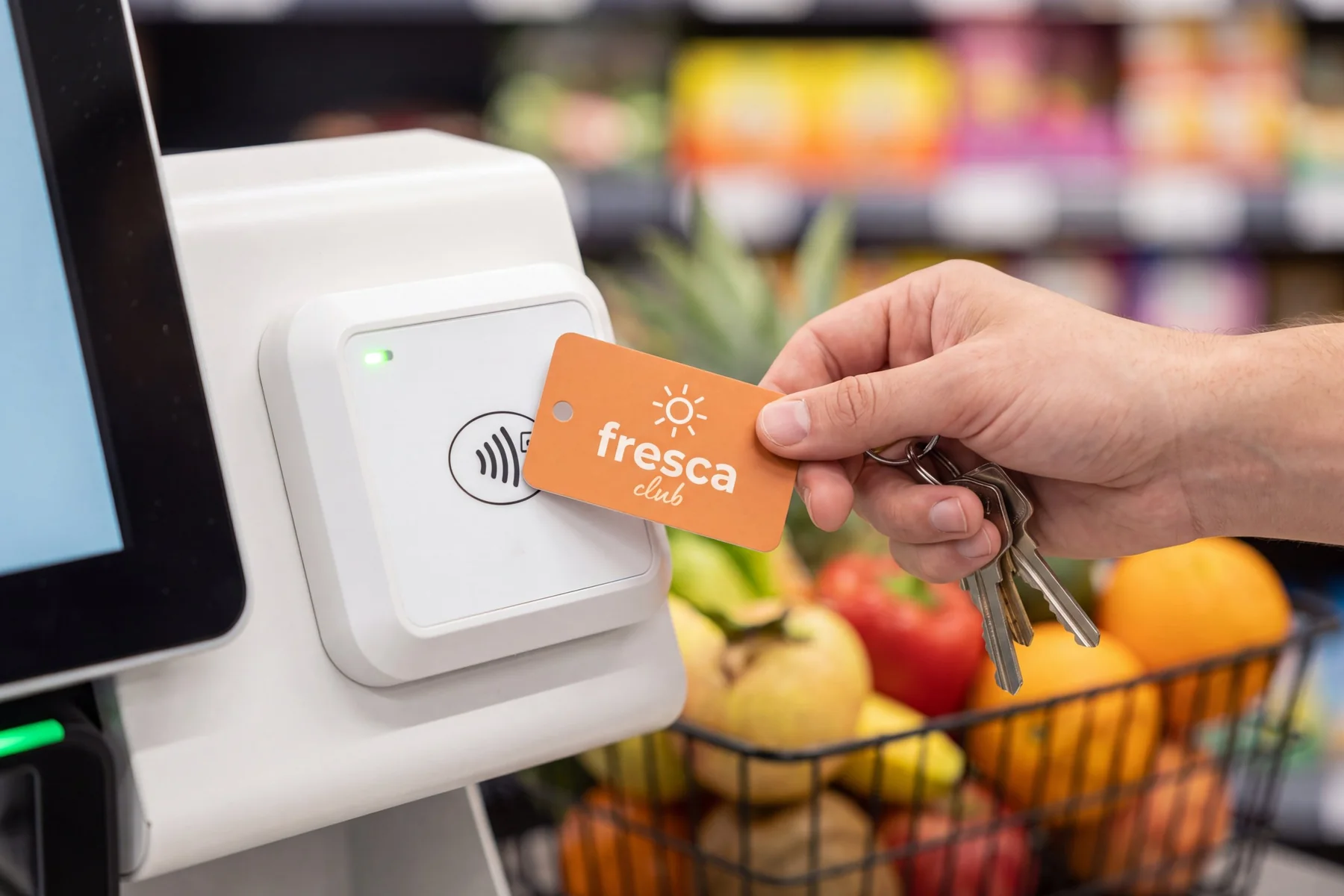 Retail and loyaltyGift, loyalty and membership cards with variable data.
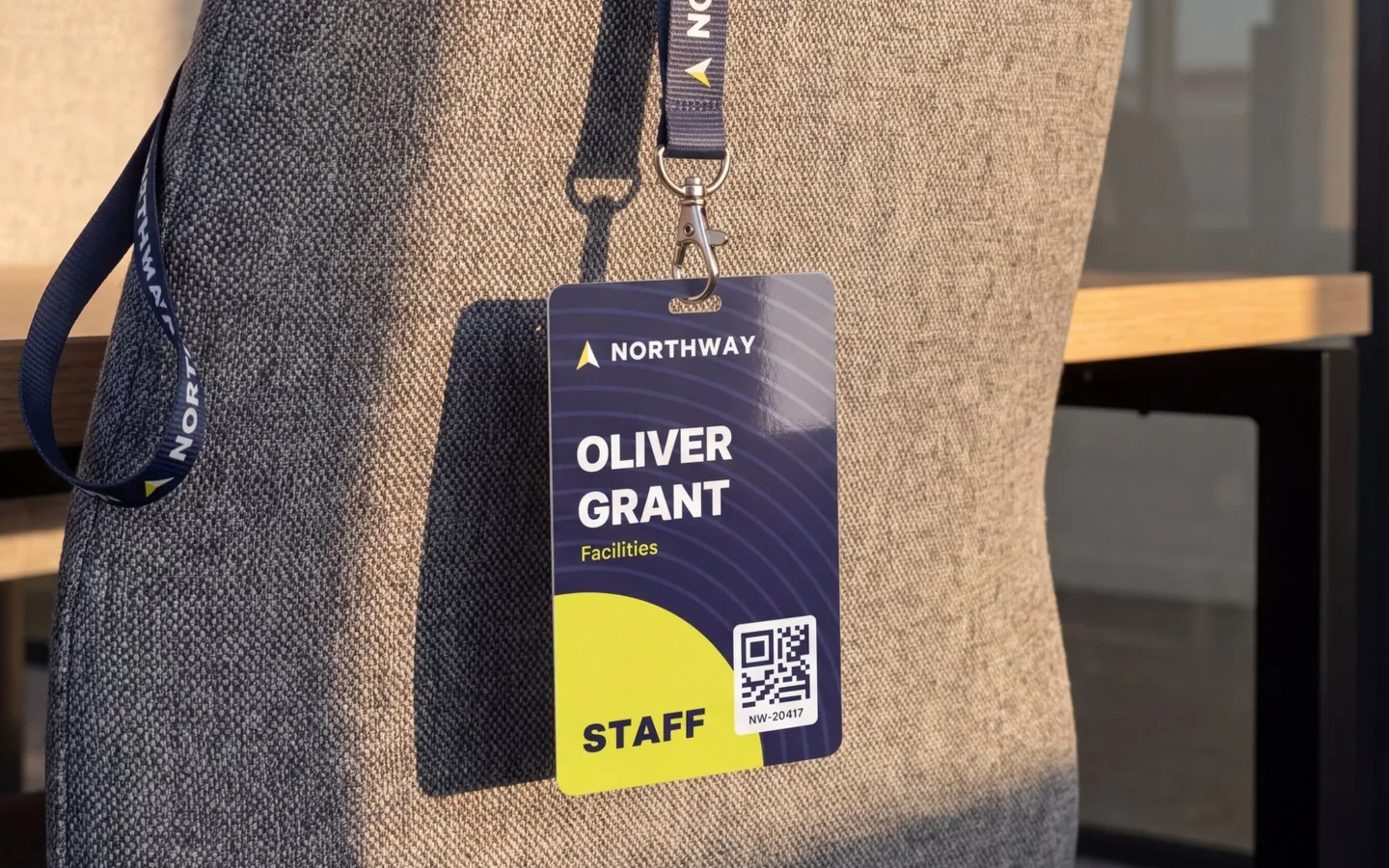 Access controlCards and fobs matched to the reader you installed.
 Clubs and associationsOne chip for the turnstile, the locker and the desk.
 Events and festivalsWristbands, badges and lanyards for each edition.