Visionline AES encryption: a technical guide for hotel key card compatibility
Why key cards that worked start failing after a Visionline AES upgrade, the three variables that decide compatibility, and the checklist that prevents it.
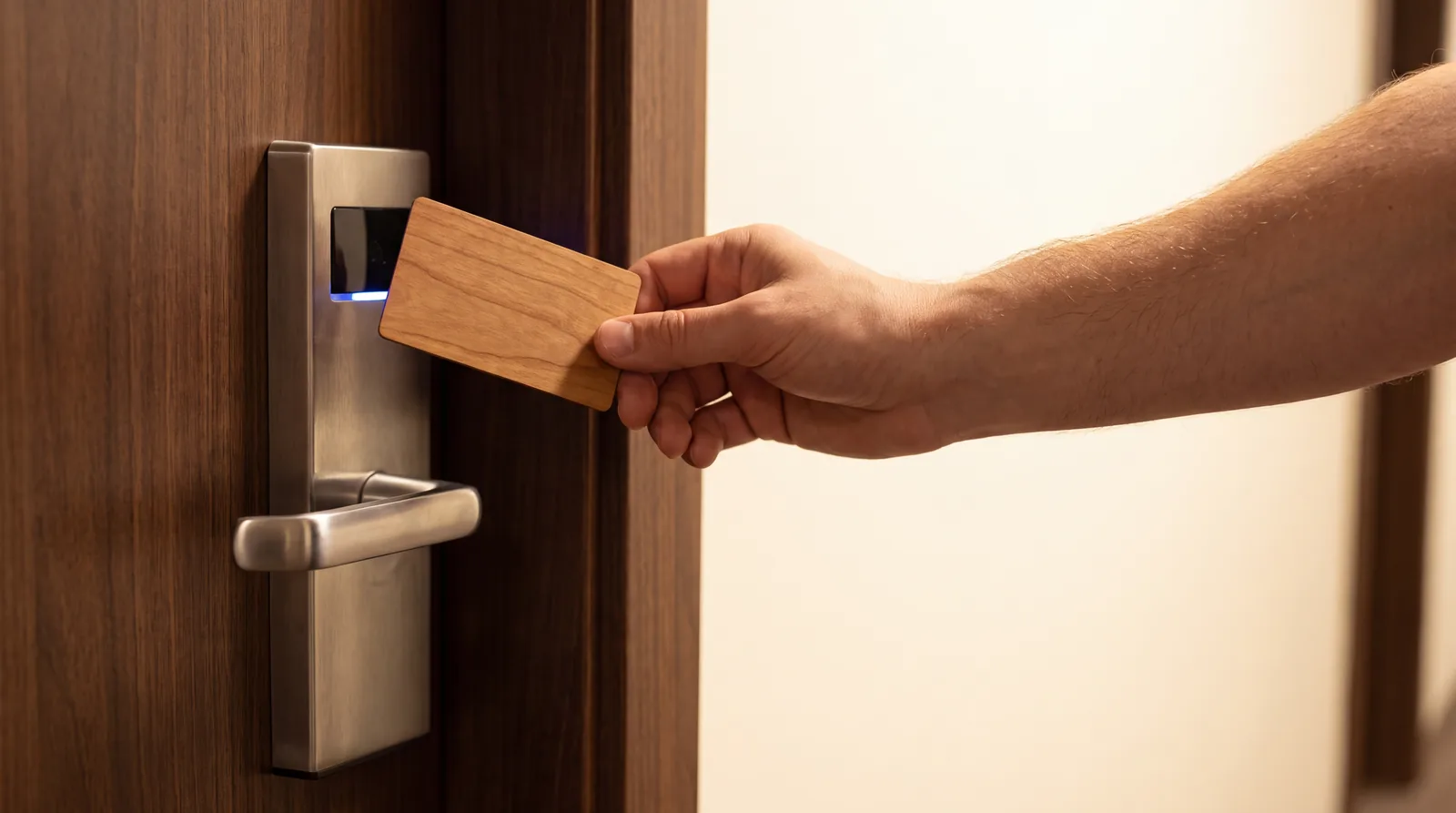
Hotel access control is going through a security hardening phase. Lock manufacturers and property management ecosystems are moving toward stronger cryptography, stricter credential validation and tighter control over how RFID credentials are issued. One of the most common terms that appears during these upgrades is AES encryption.
If your property is upgrading ASSA ABLOY VingCard Visionline, or a similar platform, you may be asked for AES compatible key cards. The problem is that many hotel teams discover compatibility issues only after cards start behaving inconsistently once the upgrade is done. This guide explains what AES means in practice, why upgrades cause failures, and how to prevent guest lockouts before they happen.
01. What AES encryption means in hotel locks
AES, the Advanced Encryption Standard, is a symmetric encryption algorithm used widely in secure systems. In hotel access control, AES usually refers to one or more of the following.
1. Encrypted communication
Authentication between the lock and the credential uses encryption. The card has to prove its identity cryptographically, not just present a number.
2. Key diversification
Stronger session security during transactions. Each card carries a unique derived key based on a master secret, so cloning one card does not compromise the others.
3. Credential data protection
Card memory cannot be trivially read, cloned or replayed. The lock validates not just the presence of the data but its cryptographic integrity.
AES is not a label, it is a configuration
RFID only describes the radio communication method. AES is a security mode that requires the correct chip family, memory structure, keys and encoding method to match the lock ecosystem. AES cannot be added to an incompatible card after production.
Which chip families actually support AES, and which ones cannot, is set out in the guide to choosing the chip.
02. Why AES upgrades break cards that worked
A lock system upgrade, for example to Visionline 1.30 or 1.31, can introduce changes to credential validation rules, cryptographic requirements, encoding format expectations and lock firmware behaviour. When that happens, cards that worked yesterday may still read at the RF level and fail at the authentication layer.
This is why hotels commonly report cards opening some doors but not others, random failures across different wings or floors, and problems that only appear after a new batch is issued.
These patterns point to a compatibility mismatch, not to hardware failure
If the failures are inconsistent across zones, batches or lock generations, the root cause is almost always a credential configuration issue, not a defective card or lock. Replacing the cards without diagnosing the mismatch reproduces the same problem.
03. The three variables that decide compatibility
During an AES focused upgrade, a successful deployment needs three independent variables to line up. All three have to be right at the same time.
Variable A. Correct chip technology
Not all RFID chips support the same security model. The chip family determines the authentication method supported, the cryptographic strength, the memory organisation and the anti cloning resistance. An incompatible chip cannot be configured for AES no matter how it is encoded.
Variable B. Correct configuration and keys
Even with the right chip, the lock environment expects a specific key structure, application layout, access conditions and diversification strategy. Small deviations produce inconsistent results, often on specific doors or batches rather than on every access point.
Variable C. Batch consistency
Hotels underestimate how critical repeatability is. If the first batch was configured one way and the second batch differently, even slightly, the results look random in operations. Same artwork does not mean same credential.
The most common root cause of an AES failure
In most cases the problem is neither the chip nor the lock, it is the configuration. A card can carry the right chip family and still have the wrong key derivation, the wrong memory layout or the wrong access conditions. Diagnosis means knowing what the lock expects, not only what the card contains.
04. Common failure modes after an upgrade
Cards work on some doors but not others
Usually caused by different firmware versions across door hardware, by zones applying different access rules, or by a partial upgrade where some locks are updated and others stay on the legacy configuration.
New cards fail while old cards still work
The property still has stock produced under the old system. Old cards validate under legacy mode, while newly produced cards are encoded for AES but with a configuration mismatch. This often follows a change of supplier with no compatibility process in between.
Cards fail only once check in volume rises
Higher issuance volume surfaces batch level inconsistencies, differences between encoding station configurations, and near miss configurations that pass on most locks and fail on specific hardware generations.
A high failure rate with one specific card material
Material affects antenna tuning and coupling performance, how reliably the chip module is seated, and heat resistance over time. Material is not only a branding decision, it affects RF performance and how long the card lasts. What each card body does and does not change is covered separately.
05. The checklist before you order
Work through this before placing any production order for a Visionline AES environment.
1. Confirm the lock ecosystem and its version
Collect the lock brand and system, Visionline or another, the version and the upgrade target such as 1.30 or 1.31, the encoder model and the software used for issuance, and any credential types already deployed.
2. Determine the credential technology required
Ask which credential types are supported after the upgrade, which chip family and security mode are required, and whether mixed credential support will be enabled temporarily during rollout.
3. Validate the card configuration requirements
Confirm the memory and application layout, the key management approach and whether keys are diversified, and the encoding parameters and workflow constraints for issuance. Your integrator holds most of these answers.
4. Choose the material against the operational requirement
Choose between PVC or recycled PVC and a wooden card body, then validate RF performance in your environment, the durability you need, and the printing and finishing requirements.
5. Run a controlled test batch before the full rollout
Order a small test batch and issue it through your real workflow. Test it on live doors across different zones before committing to full production volume. Minimum quantities and lead times are set out in the guide to specifying a card order.
06. The testing protocol
A structured test prevents the failure mode where cards validate at the encoding station and then fail on specific door hardware in the field.
Door coverage. Test across every zone
Multiple floors, different wings, guest room doors and staff access doors. At minimum, one door per lock hardware generation on the property. Do not test only the doors installed most recently.
Lifecycle. Test the credential lifecycle
Validate the first use after issuance, repeated use over ten to twenty cycles, behaviour after a room change or a re encode, and behaviour after normal wear such as wallet bending, humidity and pocket heat.
Batch variance. Test across the whole batch
Take cards from the beginning, the middle and the end of the batch, and from more than one carton rather than a single pack. This is what catches the production variance that only becomes critical at scale.
07. Procurement guidance
In an AES environment a hotel key card is a security component, not a commodity print job. The consequences of a configuration mismatch are operational: guest lockouts, emergency reorders and incidents at the front desk.
- Buy on compatibility validation, not on price alone
- Require configuration repeatability on future orders
- Ask the supplier to confirm chip authenticity and consistency
- Get the configuration in writing before production
What to ask your supplier
1. Can you support Visionline AES environments?
Ask for a specific confirmation that names your Visionline version and your upgrade target, not a general claim of being compatible with VingCard.
2. How do you keep the chip consistent across batches?
A manufacturer that runs an in-house encoding line controls chip sourcing, module bonding, antenna tuning and process repeatability. Ask specifically what the change control procedure is.
3. Can you produce a test batch before mass production?
Any supplier serious about AES projects should offer a small test batch with its configuration documented, so you can validate on real doors before you commit. Minimum order is 500 units, and the rest of the commercial detail sits on the FAQ.
08. Technical references
- FIPS 197, the NIST publication that specifies the Advanced Encryption Standard: csrc.nist.gov/pubs/fips/197/final.
09. Frequently asked questions
What is Visionline AES encryption in simple terms?
Your lock system requires stronger encrypted authentication and stricter credential validation. Your key cards have to match the required chip family and configuration. It is not something that can be added to card stock you already hold.
Do I need to replace every existing key card after an AES upgrade?
Not always. Some deployments allow mixed credential modes temporarily, but many hotels migrate fully to avoid inconsistent behaviour across zones. The right answer depends on your lock configuration and your rollout plan, and your lock system integrator should confirm it in writing.
Why do some doors accept the card while others reject it?
Most often because firmware differs across lock generations, because zones apply different access rules, or because the upgrade was partial and some locks remain on the legacy configuration. It can also point to a credential configuration mismatch that only surfaces under specific conditions. The four layers a card has to pass explains where each of those failures sits.
Is AES the same as RFID?
No. RFID describes the radio communication method. AES is the encryption protocol used in authentication and transactions. AES needs the right chip family and the correct encoding, and RFID by itself says nothing about the security level. See RFID and NFC cards for the chips involved.
What is the safest approach for a hotel upgrading to Visionline 1.30 or 1.31?
Run a compatibility review before ordering any cards. Order a small test batch and validate it on real doors across every zone, staff access areas included, before the full rollout. Then document the configuration so it can be reproduced exactly on the next order.
About this guide
Published by Kaway Group. The date on this page shows when this guide was last updated. If anything here is out of date, or contradicts what your integrator tells you, tell us and we will correct it.